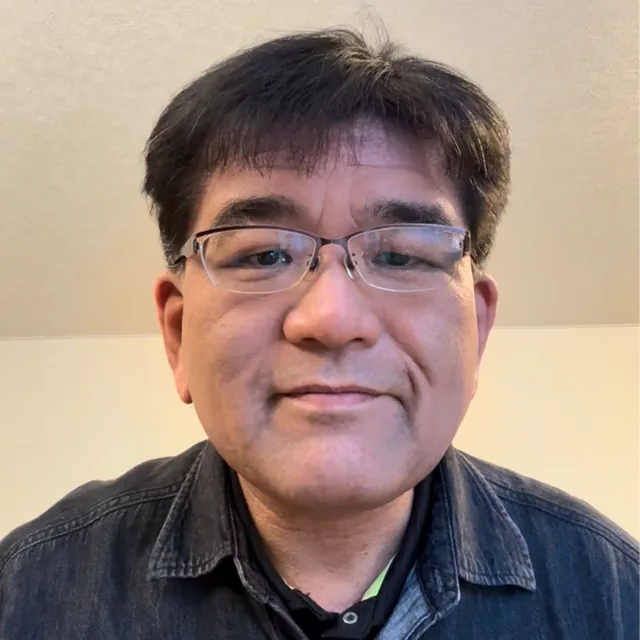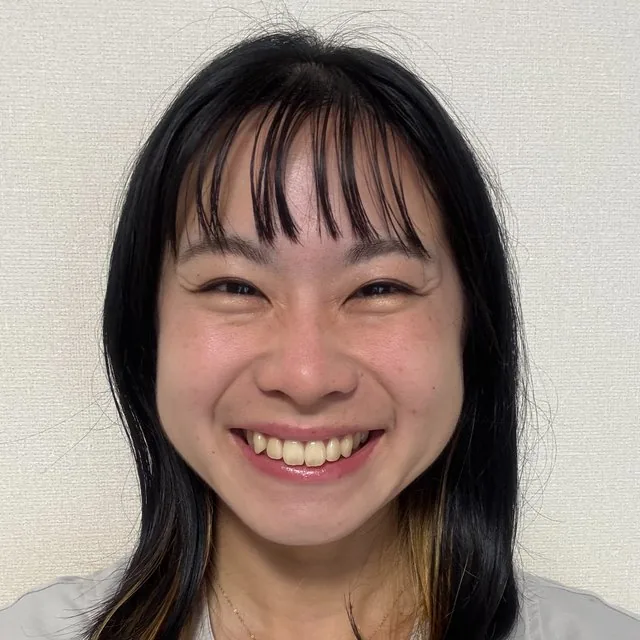
A correct photo is a small but important part of a Japan visa application. The standard Japan visa application form from Japan’s Ministry of Foreign Affairs shows 45 × 35 mm (2 × 1.4 inches). However, local consulates may request a different size: for example, the Embassy of Japan in the United States requests 2 × 2 inches for some applications. Always follow the responsible embassy or consulate. (MOFA application form, Embassy of Japan in the United States)
Japan Visa Photo Size by Application Route
The correct size depends on how and where you apply.
- Standard printed application form: MOFA’s form shows 45 × 35 mm, or 2 × 1.4 inches.
- Local consular requirements: Some offices accept or request 2 × 2 inches. The U.S. Embassy example allows a 2 × 2-inch photo for relevant applications.
- eVISA or another online route: Do not assume the printed dimensions apply. Check the portal for its required pixel dimensions, file size, color mode, and file format.
- Photo recency: Some consulates specify that the photo must have been taken within the past six months. Follow the rule stated by your office.
A square photo is not automatically correct. A passport photo prepared for a Schengen visa, another country, or a passport renewal may have a different crop, face position, or background requirement.
The responsible consulate controls the final decision. Save a screenshot or copy of its current checklist before you take the picture, because consulates can apply different local instructions.
Printed Photo, Digital File, and DPI
Printed and digital submissions require separate checks. For a printed photo, confirm the physical width and height, color, paper type, background, and attachment instructions. For an online application, confirm the pixel dimensions, maximum file size, permitted format, and whether color is required.
JPEG is a common digital format, but “JPEG” alone does not prove that the file is acceptable. DPI describes print density; it does not determine whether an online image has the correct pixel dimensions or file size. DPI alone cannot make an incorrect digital file valid.
Use this comparison before submitting:
Route | Core checks | What to confirm |
|---|---|---|
Printed application form | 45 × 35 mm or local alternative; color; recent photo | Responsible consulate’s dimensions, paper, background, attachment method |
Local consular alternative | Often 2 × 2 inches in some U.S. offices | Exact office instructions and recency rule |
eVISA or online upload | Pixel dimensions; file size; format; color | Portal-specific limits; whether JPEG, PNG, or another format is accepted |
MOFA’s general visa form and local consular pages may not provide the same digital specifications. If the eVISA portal does not clearly state a DPI requirement, focus on the listed pixel and file-size limits rather than inventing a DPI target.
How to Take and Fix the Photo
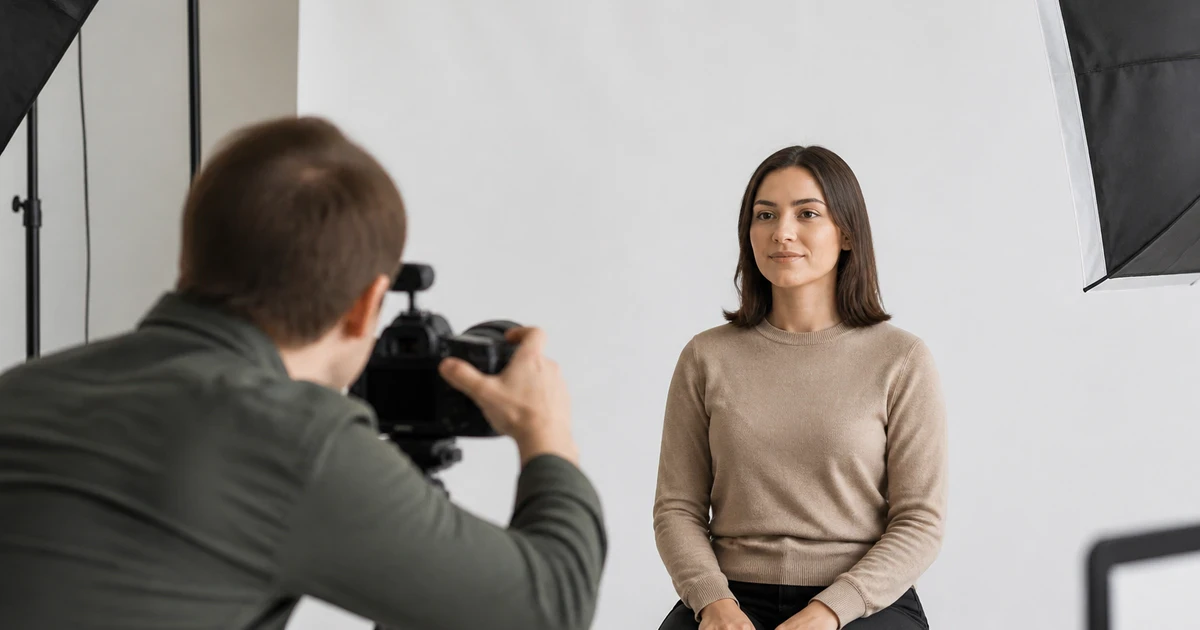
A phone or camera can produce a suitable portrait when the setup is controlled.
- Use a plain, evenly lit background without furniture, texture, or shadows.
- Place the camera at face level and ask someone else to take the picture instead of using a close selfie.
- Look directly at the camera with a neutral expression and keep your entire face visible.
- Leave enough space above your head and around your shoulders.
- Crop only after checking the required rectangular or square shape.
- Export the final file in the permitted format and check its pixel dimensions and file size.
- Keep the original image so you can fix the crop or compression without taking another picture.
Do not use filters, beauty effects, or heavy retouching. Glasses may create reflections, and hats or head coverings may be restricted unless an exception applies under the office’s instructions.
In Japan, photo booths are commonly labeled 証明写真機 (shōmei shashin-ki, ID-photo booth). Using one can be convenient, but select the dimensions required by your responsible consulate rather than assuming the booth’s default setting is correct.
If a photo is rejected, identify the precise problem first. A background issue needs a different fix from an incorrect file size, and a 2 × 2-inch print cannot solve a portal’s pixel limitation.
Useful Japanese for Asking About Photo Requirements
Japanese learners often confuse サイズ (saizu, size), 大きさ (ōkisa, physical size), and ファイル容量 (fairu yōryō, file size or storage capacity). サイズ is useful for a general specification, 大きさ emphasizes physical dimensions, and ファイル容量 refers to how much digital storage the file uses. 形式 (keishiki, format) means the file type or format.
Japanese | Romaji | English meaning |
|---|---|---|
顔写真 | kaojashin | face photo; portrait photo |
写真 | shashin | photograph; photo |
背景 | haikei | background |
申請書 | shinseisho | application form |
ビザ | biza | visa |
サイズ | saizu | size; dimensions |
大きさ | ōkisa | physical size |
ファイル容量 | fairu yōryō | file size; storage capacity |
形式 | keishiki | format; file type |
確認する | kakunin suru | to check; to confirm |
撮り直す | torinaosu | to retake a photograph |
These examples create a short consulate or school-office role-play:
写真のサイズを確認したいです。
Shashin no saizu o kakunin shitai desu.
I would like to confirm the photo size.
この顔写真はビザの申請に使えますか。
Kono kaojashin wa biza no shinsei ni tsukaemasu ka.
Can I use this portrait photo for the visa application?
ファイルの形式と容量を確認してください。
Fairu no keishiki to yōryō o kakunin shite kudasai.
Please check the file format and size.
背景に影があるので、写真を撮り直します。
Haikei ni kage ga aru node, shashin o torinaoshimasu.
There is a shadow in the background, so I will retake the photo.
One-on-one speaking practice can help you turn these phrases into a practical question-and-answer exchange. A teacher can also help learners practise explaining a photo problem clearly, without confusing a physical measurement with a digital file limit.
For broader preparation about moving to Japan, see Online Japanese Lessons for Engineers Moving to Japan. If your application connects with student life, Renting an Apartment in Japan as a Student may also help with related vocabulary.
Common Mistakes When Preparing a Japan Visa Photo
Learners and applicants often confuse a professional-looking picture with a compliant one. A clear portrait can still be rejected if the dimensions, head position, background, recency, or file settings are wrong.
Common problems and fixes include:
- Wrong physical size: Print the dimensions required by the responsible consulate, not a default passport-photo size.
- Wrong shape: Do not force a square crop when the application form requires a rectangle.
- Incorrect head framing: Leave suitable space around the head and avoid cutting off the top.
- Uneven background: Retake the photo with flat lighting and no visible shadows.
- Blurry image: Use a stable camera and export the original at sufficient quality.
- Large or small file: Check the portal’s file-size limit after exporting, not only before editing.
- Wrong format: Convert the image only to a format explicitly permitted by the application system.
- Old photo: Confirm the office’s photo-recency rule before reusing a picture.
- Over-editing: Fix lighting or cropping conservatively; do not change facial features.
For a digital submission, check the file on the device you will use to upload it. For a printed submission, measure the physical photograph after printing. These are different checks, and DPI cannot replace either one.
If you want to practise asking in Japanese about dimensions, background requirements, or file format over LINE, book a Free Trial Lesson and bring one specific photo-related question.
FAQ
What is the standard Japan visa photo size?
The standard MOFA visa application form shows a photo measuring 45 × 35 mm, or 2 × 1.4 inches. Local offices may request another size, including 2 × 2 inches in some U.S. consular instructions. Check the embassy or consulate responsible for your application before printing.
Can I use a Schengen or passport photo for Japan?
You can reuse a Schengen or passport photo only if it meets the Japanese office’s current dimensions, background, face-position, recency, and submission rules. Approval by another authority does not guarantee acceptance for a Japan visa, because different systems use different printed and digital specifications.
Does DPI determine whether my digital photo is accepted?
DPI alone does not determine digital acceptability. Online systems usually evaluate pixel dimensions, file size, format, and sometimes color mode, while DPI mainly describes print density. Follow the portal’s stated limits, and do not assume that increasing DPI will repair an incorrect crop or oversized file.
What should I do if my Japan visa photo is rejected?
Read the rejection message and match it to one specific correction, such as resizing the print, changing the crop, removing shadows, or compressing the file. Then compare the replacement with the responsible consulate’s checklist before submitting it again, rather than reusing the same rejected picture.